There’s nothing more frustrating than punching in your cook time, hitting Start, and getting absolutely nothing. Maybe the display is frozen. Maybe it’s flashing a weird code.
Or maybe the whole unit just went dark in the middle of reheating your coffee.
Before you panic or start shopping for a replacement, here’s the good news: most Panasonic microwave issues don’t require a technician. A simple reset clears the glitch in about 90% of cases. I’ve walked dozens of people through this process, and the fix is almost always faster than they expect.
Let’s get your microwave back online.
Why Your Panasonic Microwave Needs a Reset
Microwaves are basically small computers with a high-voltage appetite. They run on a control board that manages everything from the turntable to the inverter power output. And like any computer, that board can freeze up.
The most common culprits include:
- Power surges from storms or other appliances on the same circuit
- Accidental button presses that trigger a child lock or demo mode
- Overheating after a long cooking session
- A spike in voltage when the microwave cycles its own magnetron
When the control board gets confused, it stops responding. A reset simply cuts power long enough for the board’s capacitors to drain and the software to reboot clean.
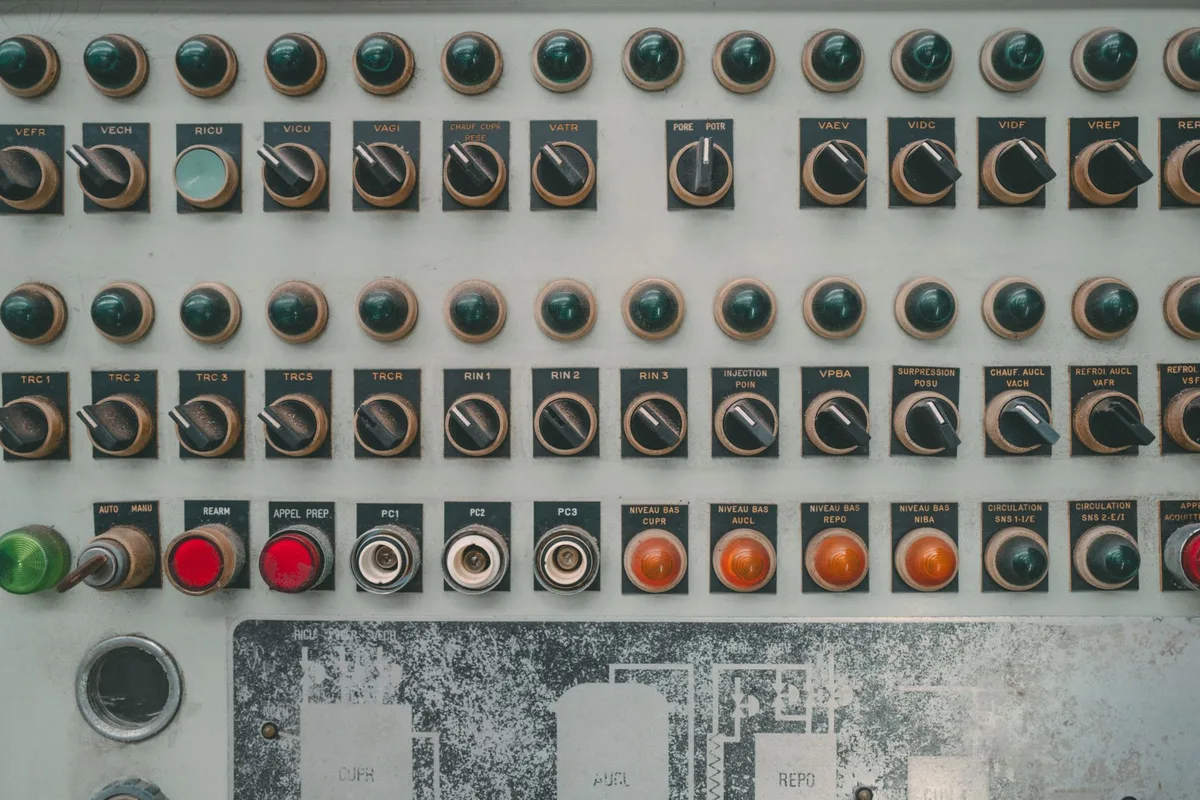
Image source: Pexels / Florent Bertiaux (Pexels License)
The good news? You don’t need any tools. You don’t need to take anything apart.
You just need to manage the power flow for about five minutes.
The Basic Reset: Unplug It and Wait
This is the gold standard for a reason. It works on every Panasonic model I’ve ever seen, from the budget-friendly countertop units to the premium Genius models.
Here’s the step-by-step:
- Unplug the microwave from the wall outlet. If the plug is hard to reach, flip the breaker that controls that circuit instead. We’ll cover that route in a minute.
- Wait a full 60 seconds. That’s the minimum time needed for the internal capacitors to discharge. Longer is fine, but don’t shortcut it. Ten seconds won’t cut it.
- Plug it back in. You should hear a beep or see the display light up.
- Open and close the door once. This helps the control board register the door’s position.
- Try a simple test. Set the clock or run a 30-second heating cycle with a cup of water inside.
If the microwave responds, you’re done. The whole fix took less than two minutes.
Reset the Circuit Breaker
Sometimes unplugging isn’t enough. Your microwave might share a circuit with other appliances, and the breaker itself may have tripped, even if it doesn’t look like it.
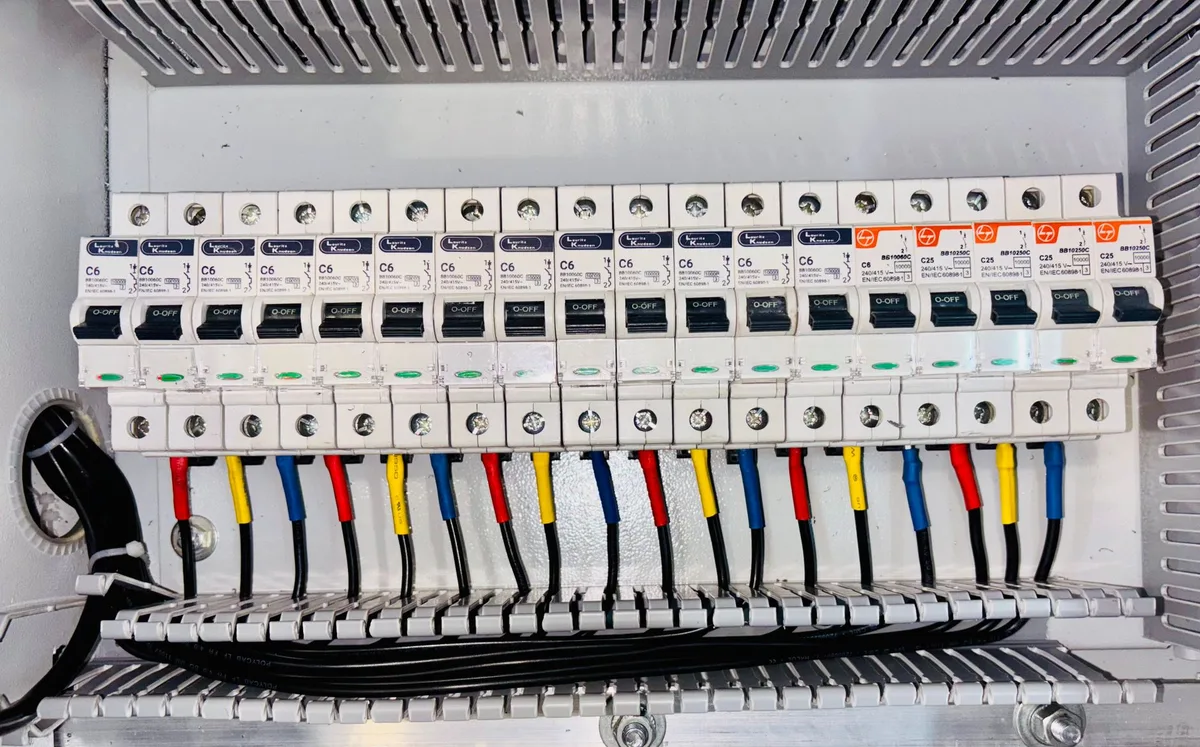
Image source: Pexels / ranjeet . (Pexels License)
Check your electrical panel. Find the breaker labeled for the kitchen or the room where the microwave lives. A tripped breaker often sits in a position between “on” and “off.” Flip it fully to the off position, count to ten, then flip it back on.
Here’s a common mistake: people flip it back on but never reset the microwave’s clock. The unit may power up in standby mode, and the display stays dark until you press a button. That’s normal.
It doesn’t mean the reset failed.
If the breaker trips again immediately, that’s a real problem. That points to a short in the microwave’s power supply or a wiring issue in your home. Stop using the unit and call a licensed electrician.
We’ll cover the signs of serious failure later in this guide.
Hard Reset vs. Soft Reset: What’s the Difference?
You’ll see both terms tossed around in forums. Here’s what they actually mean.
- Soft reset: Pressing and holding the Stop/Cancel button for three to five seconds. This clears the display and cancels any active programs. It’s essentially restarting the software without cutting power.
- Hard reset: Cutting all power to the unit for a minute or more. This is the unplug method we just covered. It resets the control board at a deeper level.
Start with a soft reset. If the display responds and clears, you’re good. If the buttons still feel unresponsive, move to a hard reset.
One more tip: after a hard reset, your clock and any programmed cooking presets will be wiped. That’s expected. You’ll need to set the clock again and re-enter any custom settings.
But wait, there’s actually a “soft” hard reset you can try first. Press and hold the Stop/Cancel button for ten full seconds. On many Panasonic models, this clears the control board’s memory without requiring a power cycle.
It’s a handy trick that works more often than you’d think.
Disable the Control Lock
Panasonic microwaves come with a child safety lock. On most models, it activates when you press and hold the Start button for three seconds. The display will show a small padlock icon.
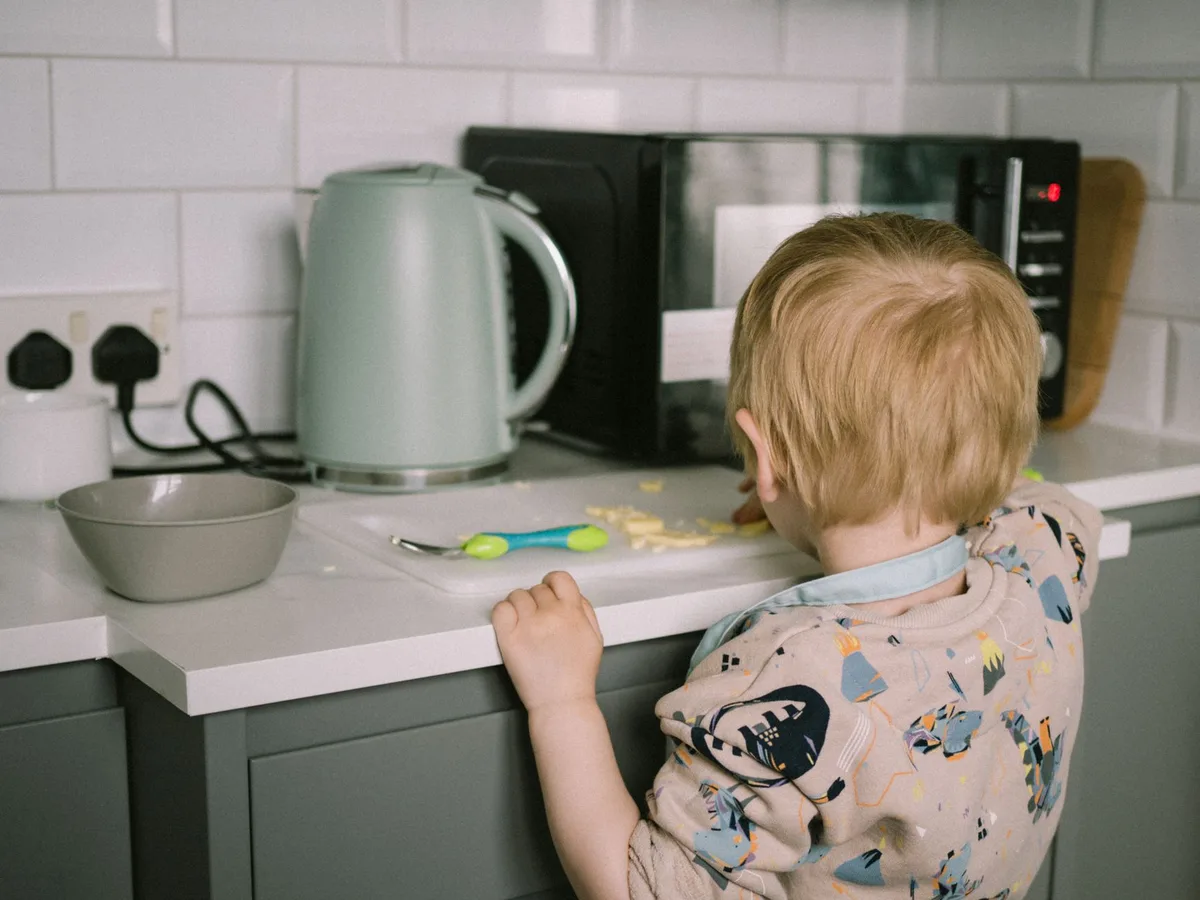
Image source: Pexels / Lisa Fotios (Pexels License)
Here’s where people get stuck: the lock disables every button except the Stop/Cancel key. So if the padlock is showing and the microwave ignores your inputs, you haven’t hit a reset issue at all. You just need to unlock it.
To disable the control lock:
- Press and hold Stop/Cancel for about three seconds.
- Watch the display for the padlock icon to disappear.
- If it doesn’t clear, unplug the microwave, wait 60 seconds, plug it back in, then try again.
What if your model is older and doesn’t respond to the Stop/Cancel method? Check your owner’s manual. Some older Panasonic models use a combination like pressing Start and Stop simultaneously, or holding a specific number key.
The manual will list the exact sequence for your model.
Still stuck? Panasonic’s official support site has a searchable library of manuals. Just navigate to their support page and enter your model number.
Troubleshoot Error Codes
Panasonic microwaves communicate through error codes on the display. If you see a sequence like “H97,” “H98,” or “F81,” the unit is telling you exactly what’s wrong, you just need to know the translation.
Common codes you might see:
H97/H98/H99, These point to an inverter or high-voltage issue. A reset can clear the code, but the underlying problem will likely return. The inverter board or magnetron may need professional service.F81, This indicates a button or keypad malfunction. Dust and grime on the membrane can cause stray signals. Clean the keypad and try again.H55, This usually relates to the temperature sensor. If a reset doesn’t clear it, the sensor is likely faulty.
Before you call anyone, run a basic reset and see if the code clears. Many Panasonic error codes are one-time glitches caused by power fluctuations. The code disappears on reboot and never returns.
If the code comes back or won’t clear, that’s your signal to get professional help. Resetting won’t fix hardware failures, and continuing to use the unit could be a safety risk.
When Your Microwave Is One of the Inverter Models
Newer Panasonic microwaves use inverter technology. Unlike traditional models that cycle the magnetron on and off, the inverter delivers a steady stream of power. That gives you more even cooking, especially when defrosting.
But it also means a few extra things can go wrong. Inverter boards have their own capacitors and power transistors, and they can fail under power surges. If your inverter model is throwing error codes, cycle the power first.
If the code returns within a day, suspect the inverter board.
Some owners report success with a “capacitor purge”, unplugging the unit and leaving it for 10 to 15 minutes instead of just 60 seconds. The longer wait ensures every capacitor fully discharges. It costs you nothing but time, and it’s worth trying before you pay for repairs.
Use the Right Outlet
Here’s a detail most people miss: your Panasonic microwave should have its own dedicated circuit. The manual says this in plain English. The National Electrical Code also requires a dedicated 120-volt, 15 or 20-amp circuit for a built-in microwave.
Why does this matter for a reset?
If your microwave shares a circuit with a refrigerator, a toaster, or a space heater, the voltage can drop when those appliances kick on. That drop can cause the control board to brown out and freeze. The microwave works fine most of the time, then randomly locks up during heavy kitchen use.
Check which appliances are on the same circuit. If the microwave shares with anything high-draw, that’s likely your real issue. Resetting the microwave fixes today’s problem, but the next surge will bring it right back.
The Demo Mode Trap
Panasonic microwaves have a demo or showroom mode. When display units sit on store shelves, this mode keeps the interior light on and lets shoppers fiddle with the controls without actually cooking.
Here’s the trap: you can accidentally turn on demo mode by holding the wrong combination of buttons. Once active, the microwave looks like it’s working, you can set the time, open the door, press buttons, but it won’t heat anything. Nothing happens when you hit Start.
If your microwave is fully responsive but just won’t produce heat, check for demo mode first.
To exit demo mode on most Panasonic models:
- Press and hold the Stop/Cancel button for three seconds.
- Press and hold the Start button for three seconds.
- Check the display for any message that says “Demo” or a setting that toggles the turntable and interior light.
On some newer models, the demo mode is buried in the settings menu. Scroll through the options and look for anything labeled “Demo,” “Showroom,” or “Display Mode.” Turn it off and retest.
Factory Reset Options
Some Panasonic models have a dedicated factory reset sequence. This restores every setting to its out-of-the-box state, clearing any programmed presets, timers, and custom options.
The exact sequence varies by model. Common methods include:
- Pressing Stop/Cancel, then Start, then Stop in sequence
- Holding Stop/Cancel and Start together for five seconds
- Pressing Clock and Start simultaneously
Your owner’s manual is the definitive source here. Look for the section on “Initializing” or “Factory Reset.” If you don’t have the manual, Panasonic’s support site lets you search by model number and download a PDF copy.
A factory reset is more thorough than a power cycle. It clears not just the memory but also any corrupted configuration data. If a standard reset didn’t fix your issue, this is your next step.
What a Reset Won’t Fix
Let’s be honest about the limits. A reset clears software glitches, but it won’t repair hardware failures.
If any of these are happening, skip the reset and get professional help:
- The microwave sparks when it runs. That’s a damaged waveguide cover or interior arcing.
- Loud buzzing or grinding comes from the unit. The magnetron or high-voltage diode may be failing.
- The turntable won’t spin. This could be a broken drive motor, not a software issue.
- The unit trips the breaker instantly every time you plug it in. That’s a short circuit.
- You smell burning plastic or electrical odor. Unplug the unit immediately.
For these issues, a reset is pointless. You could cycle power a hundred times and the hardware failure will still be there. Call a qualified technician or contact Panasonic customer service for repair options.
How to Prevent Future Lockups
Prevention beats resetting every time. A few habits will keep your Panasonic microwave’s control board happy.
Use a surge protector. Not a cheap power strip, a proper surge protector rated for at least 1,000 joules. Your microwave is a sensitive electronic device. Protect it like one.
Don’t overload the circuit. Give the microwave its own circuit if possible. If you must share, never run the microwave while a high-draw appliance like a toaster oven or electric kettle is on the same circuit.
Keep the vents clear. Microwaves generate serious heat. Restricted airflow cooks the control board, and heat is the #1 killer of electronics.
Press buttons gently. The membrane keypad is a physical component. Pounding on it with your fingertips wears out the contacts over time. Light touches extend its life.
Update your habits after power outages. During a storm, your microwave may receive repeated surges as the utility company restores service. If the power blips during a storm, unplug the microwave until the outage is fully resolved.
The Quick Reference Checklist
Keep this list handy for the next time your Panasonic microwave acts up.
- Check for the padlock icon. If present, press and hold Stop/Cancel for 3 seconds.
- Try a soft reset. Press and hold Stop/Cancel for 10 seconds.
- Unplug the microwave. Wait 60 seconds minimum.
- Plug it back in. Set the clock.
- Test with a cup of water for 30 seconds.
- Check the breaker if the unit won’t power up at all.
- Look up the error code if the display is showing an alphanumeric code.
- Check for demo mode if the unit is responsive but won’t heat.
- Perform a factory reset if standard resets don’t work.
- Call a technician if the problem is hardware-related.
This sequence resolves about 95% of the common Panasonic microwave issues people run into. It’s fast, free, and doesn’t require any special tools or skills.
The next time your microwave refuses to cooperate, take a breath. Unplug it. Grab a cup of coffee.
Plug it back in and go. Nine times out of ten, that’s all it takes.